

Enermax MaxFlow CS-718B
Introduction
When we hear the name Enermax, we automatically think of power supplies. Enermax has always built quality power supplies. Like I mentioned in our Noisetaker v2.0 review, they were the top choice a couple years ago. Unfortunately, due to the competing market, Enermax became a quieted down and fell behind in the race. All is not lost, though. Enermax has picked up the slack and is coming out with many new products. One of those products is a nice new case. The MaxFlow CS-718 series takes the internal design from the recently reviewed SilverStone TJ06. Internally, these cases look exactly the same. The only difference between the two would be the design of the front panel and the addition of small tidbits here and there. We were extremely pleased with the SilverStone TJ06, and we hope to be pleased with the Enermax MaxFlow CS-718.
Enermax MaxFlow CS-718B
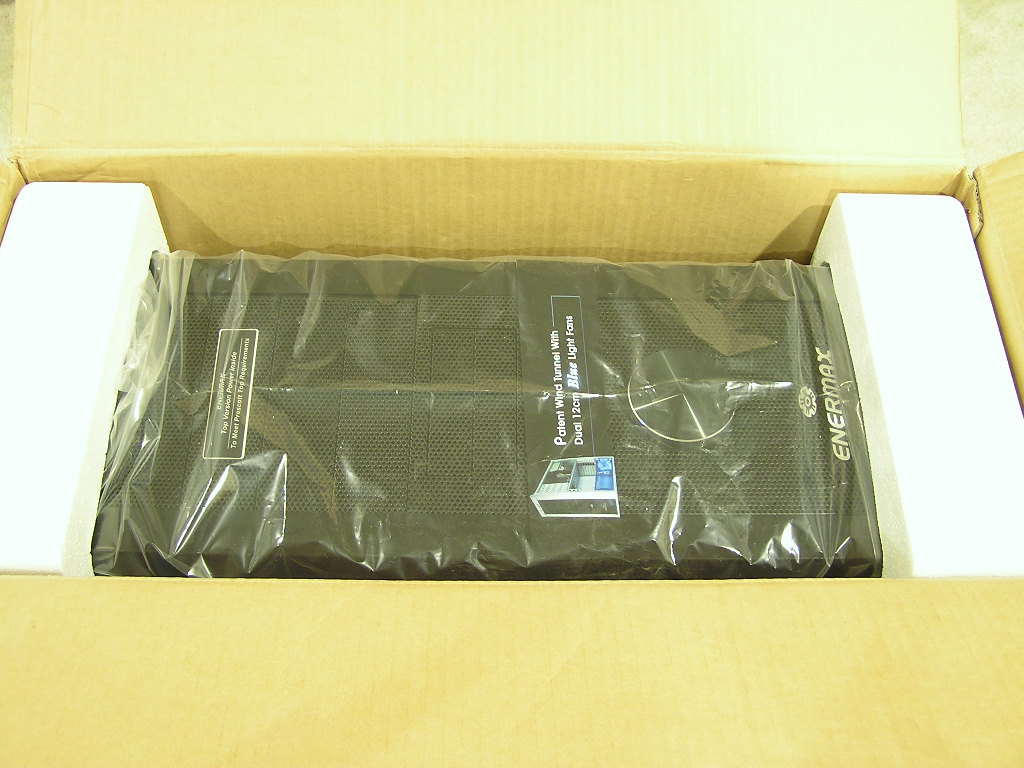
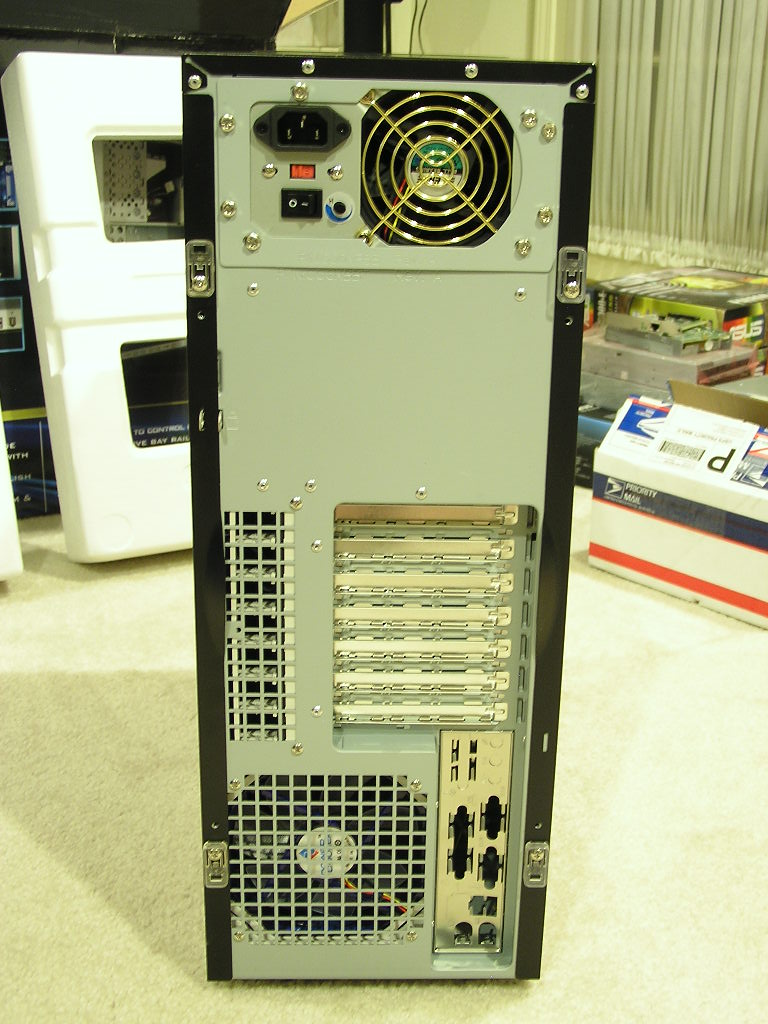
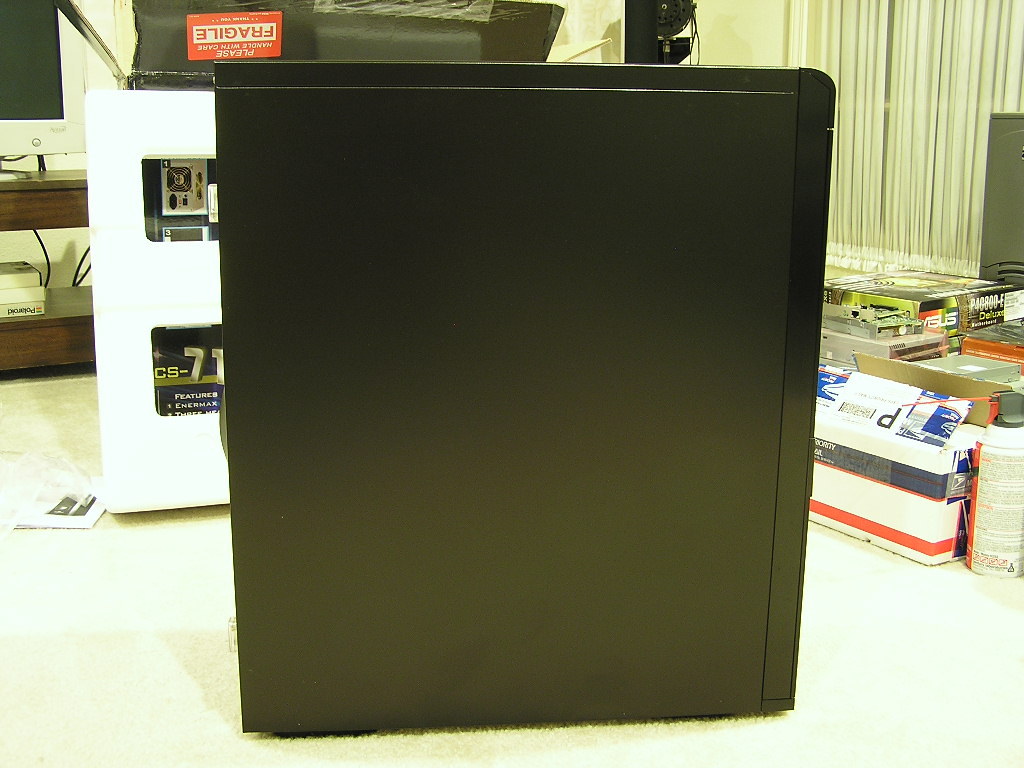
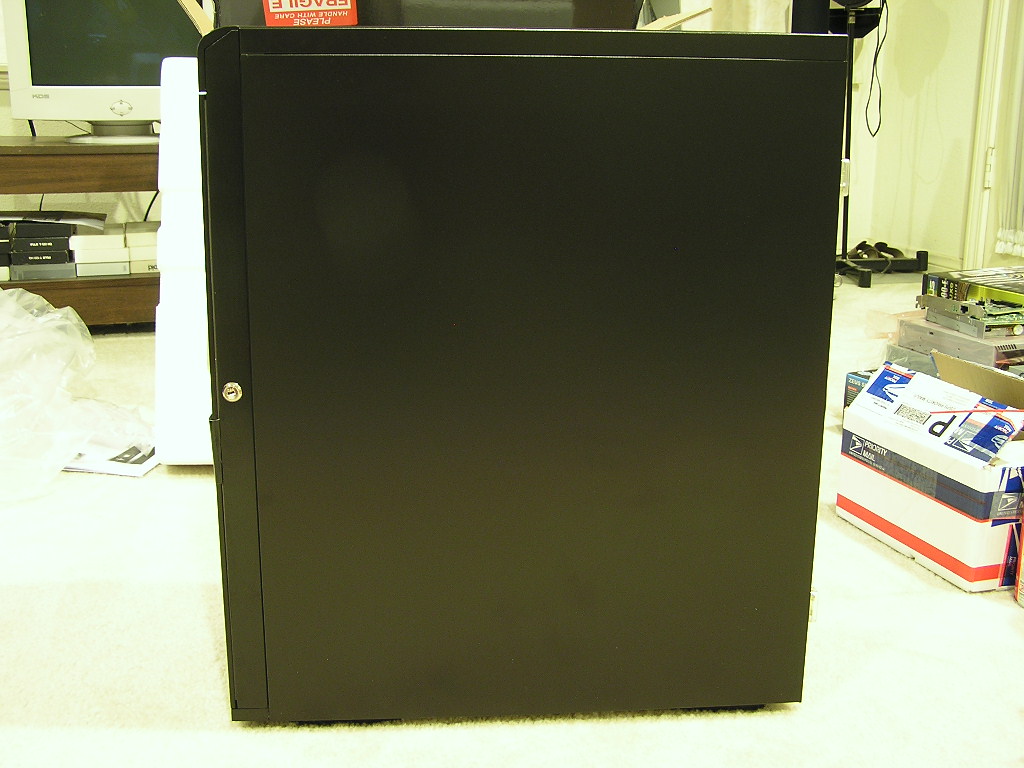
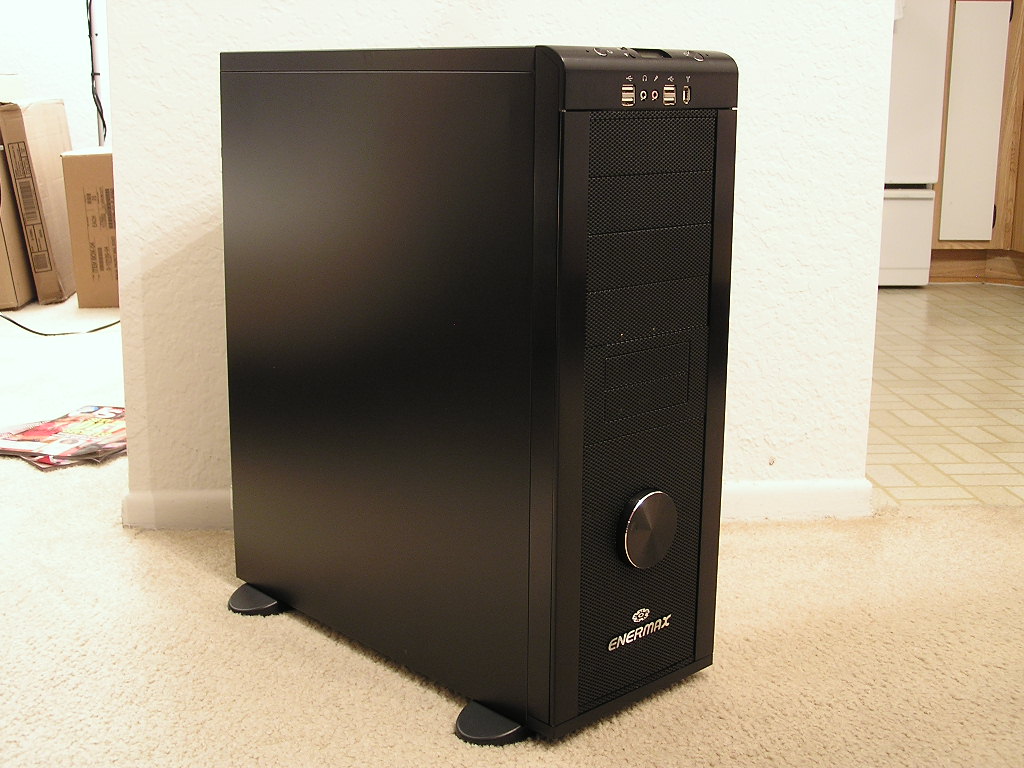
If you’re wondering what that “B” stands for, it’s there to denote the color. The “B” is for black. The side of the box shows many more color variations and we can only assume that “S” is for silver, “SB” is for silver and black, and “BS” is for black and silver. Personally I like the all black look. Although the color is becoming what beige was, the case look very elegant if designed correctly. When I removed the case, I immediately noticed the similarities of the MaxFlow with the TJ06. The back of the case is exactly the same. One problem I encountered with this type of case was that there were no system exhaust fans; and the power supply would act as the source of heat exhaustion. I really wish they would fix this problem. See that big gray spot right below the power supply? That’s where the hard drives sit. That spot would be great for two 80mm fans, but you would lose some hard drive cage space. The sample I received did not come with a side panel window, but there is a version available. The sides are completely black and the paint has a very nice finish. The case is thick and sturdy.
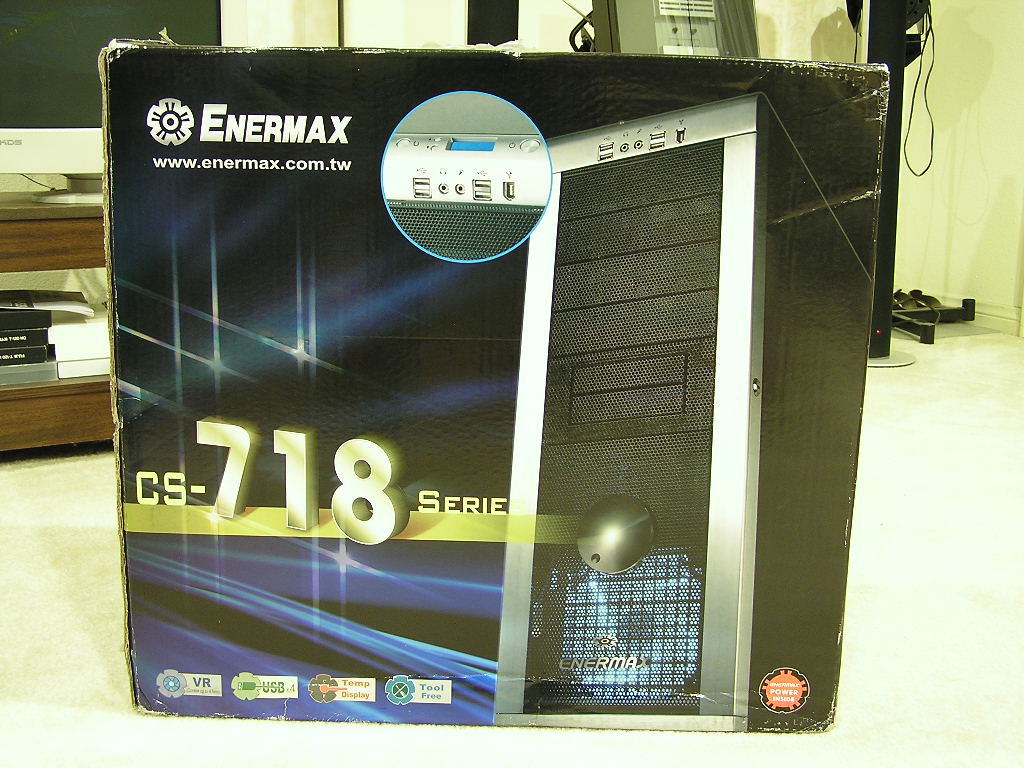
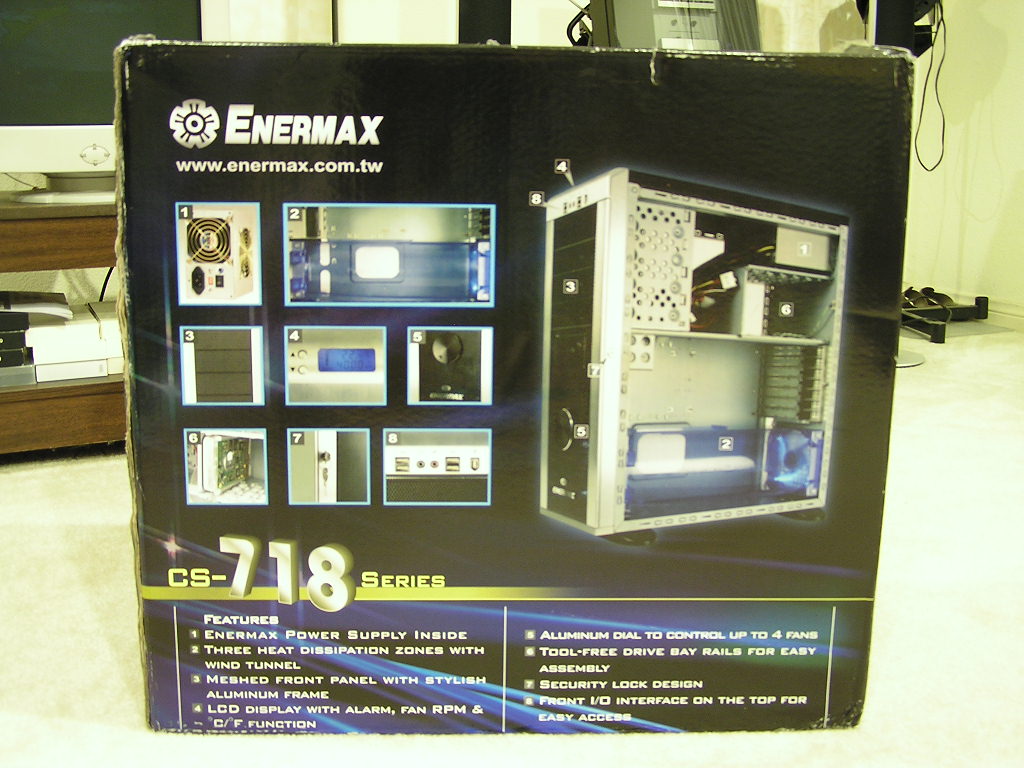
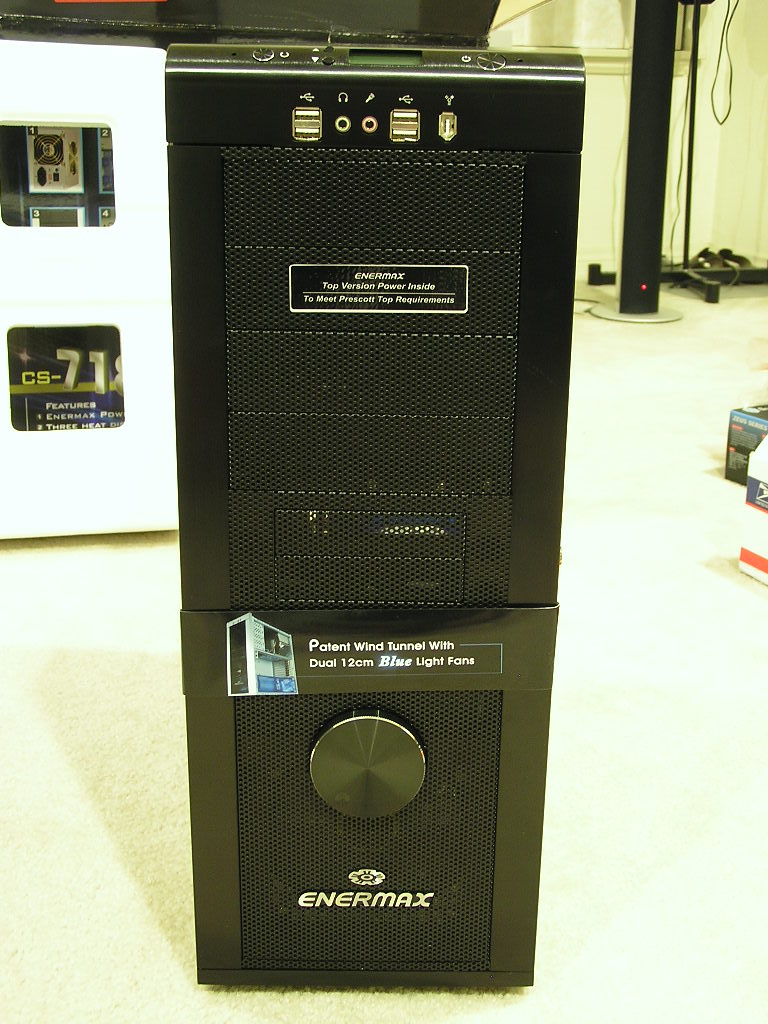
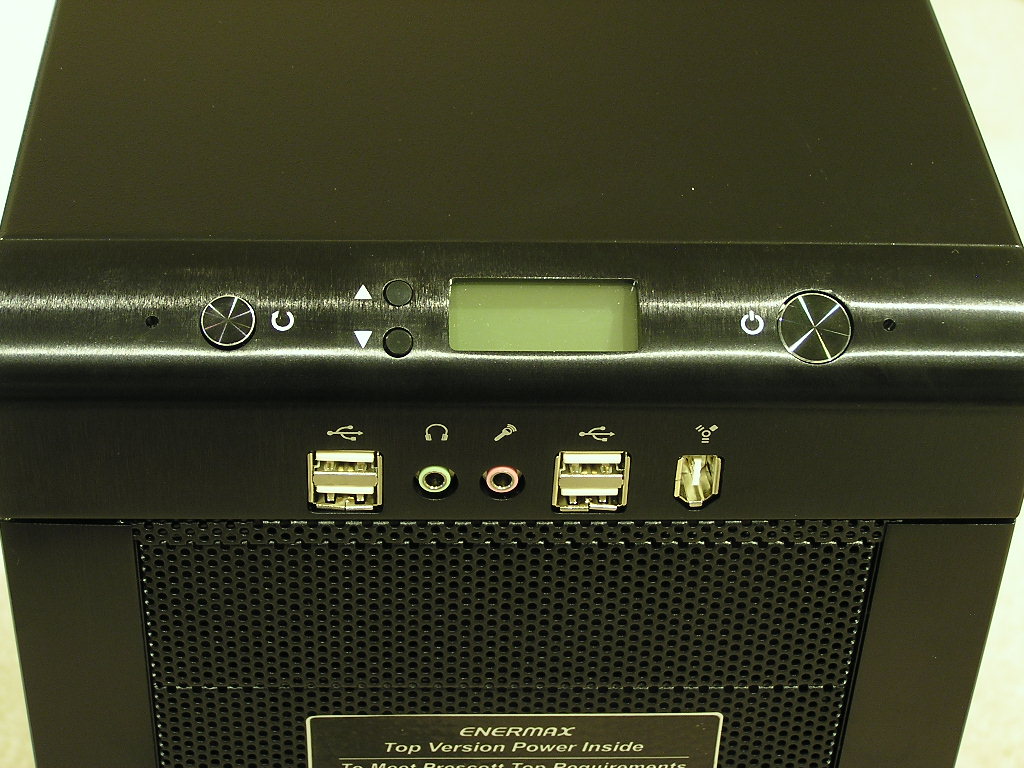
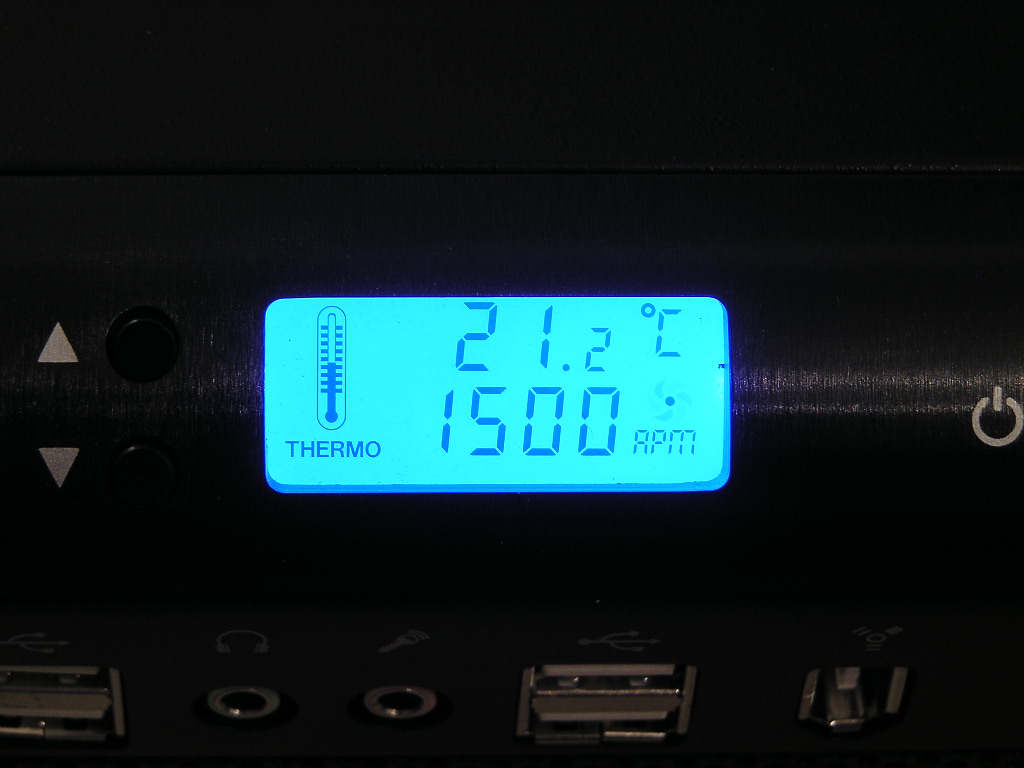
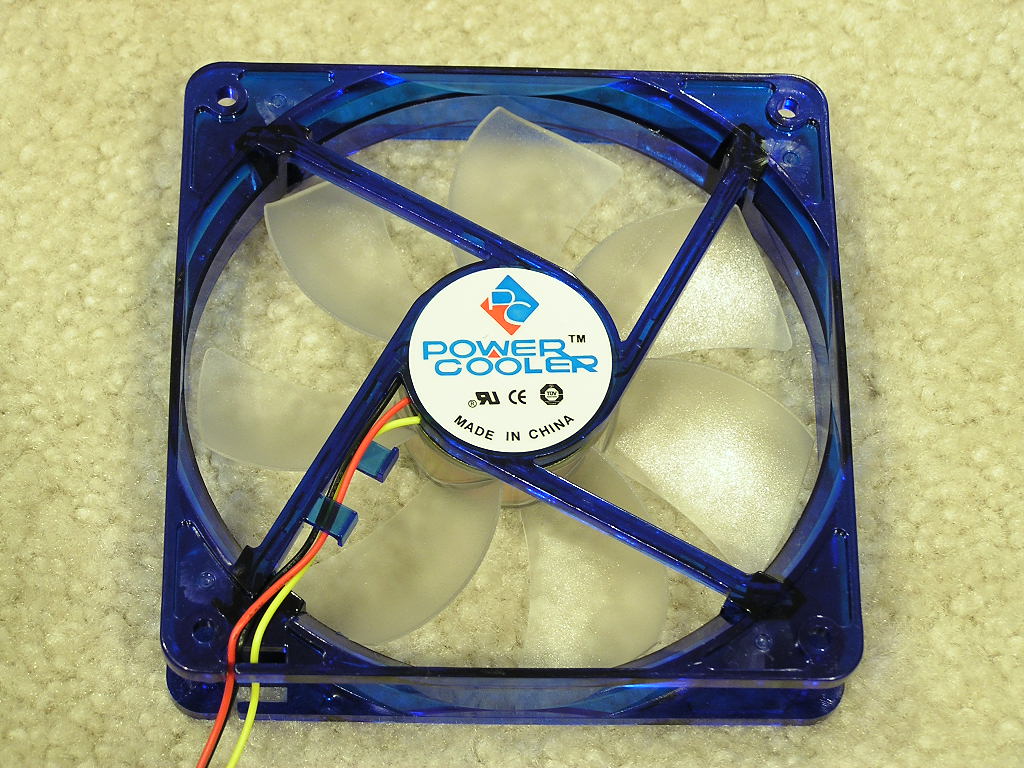
Enermax wanted to make their MaxFlow stand out and did an extremely nice job with it. The MaxFlow comes with a small LCD display up at the top of the case. It displays the temperature and the fan RPM. Only one fan RPM can be read, and at default, is the 120mm fan in the front. The temperature is read from a probe that stretches inside the case. It can be used to attach to anything you’d like, but most enthusiasts will probably end up attaching it to the CPU for the CPU temps. The 120mm fans for intake and exhaust are from a company called Power Cooler. The fans come in a 7-blade design with blue shrouds. The LCD display has a nice blue glow which matches perfectly with the blue LEDs on the 120mm intake and exhaust.
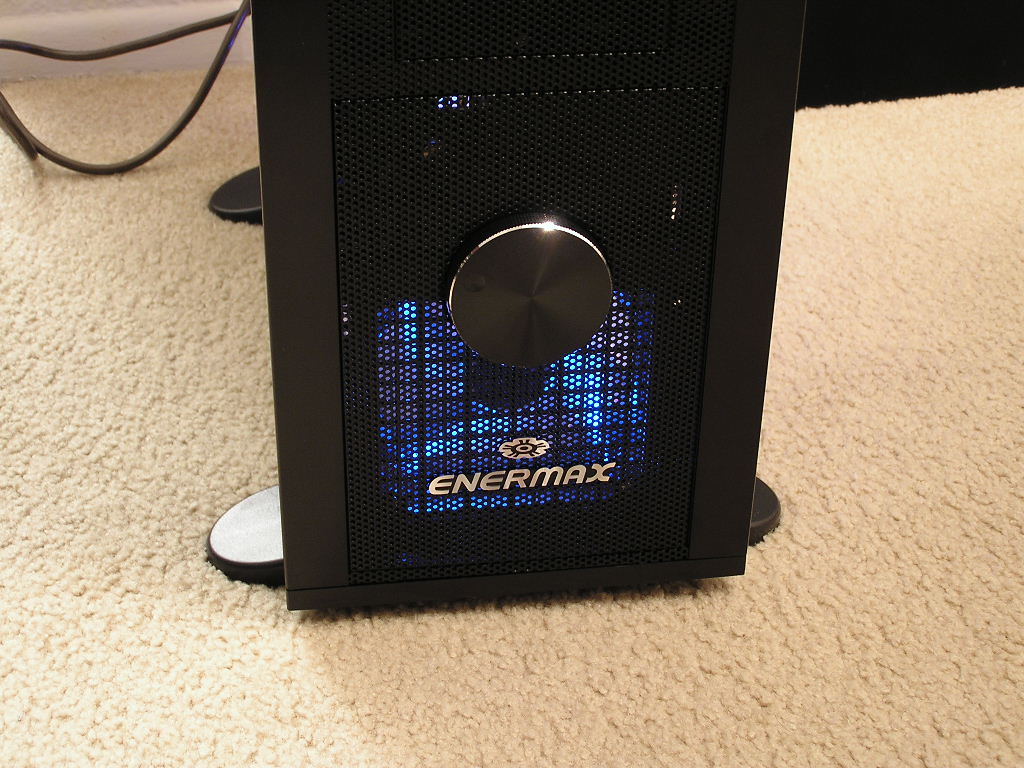
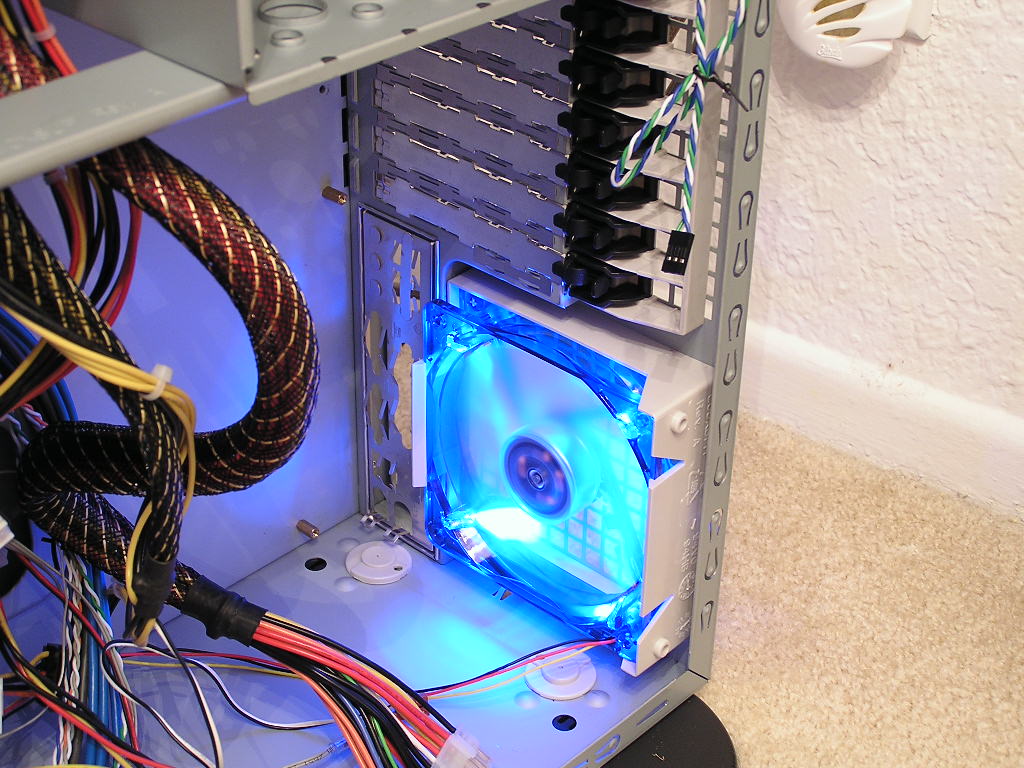
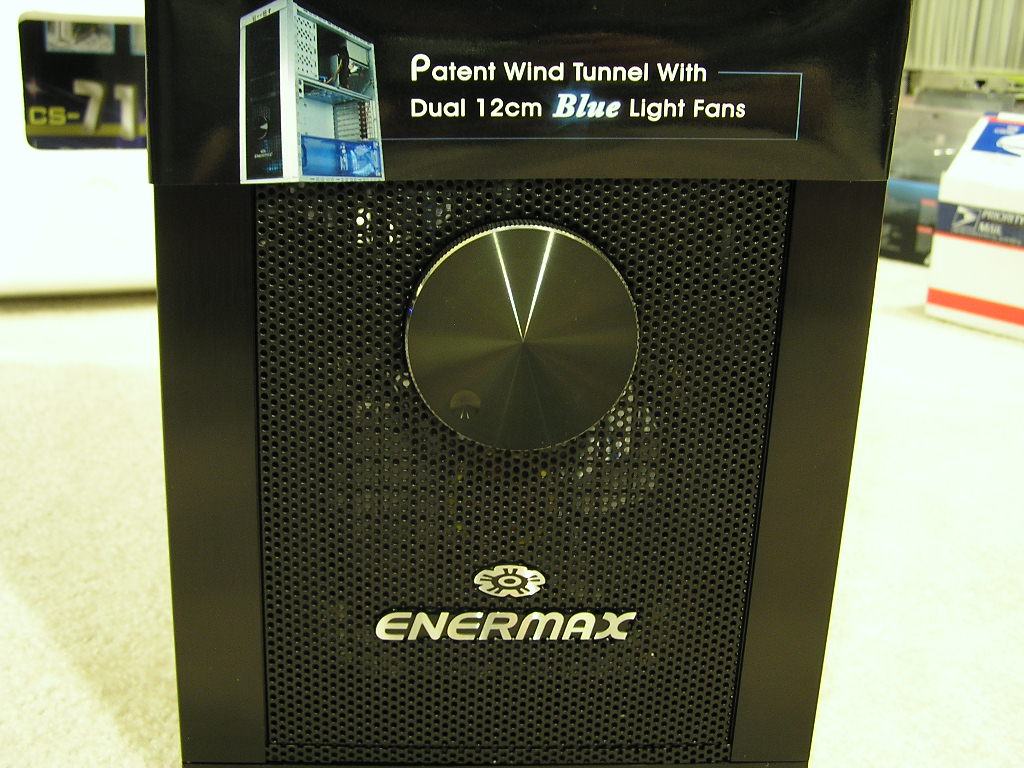
The MaxFlow comes with a large aluminum dial at the front bottom of the case. It is used to control the RPMs of up to 4 fans. Users can turn down the dial to increase silence or turn up the dial to increase performance. One problem I encountered was that with the dial all the way down, the intake 120mm fan wouldn’t start. I gave the blades a little push and it started spinning. There must not be enough voltage supplied for the initial startup. Turning the dial to the 11 o’clock position resolved that problem. The system still operated under the same silence though. The fans couldn’t be heard. Although there were two 120mm fans included, the small 80mm for intake was not included. SilverStone supplied one in their TJ06 but the Enermax came without. Fortunately I had a good Panaflo Ultra Quiet (available at Sidewinder) lying around and I slapped it in. To help increase the cooling performance, the MaxFlow comes with a meshed front panel. Remember our review of the Centurion 5 and how they had the meshed front panel? Well Enermax took that idea and used it on their MaxFlow. It’s a great idea since cold air can flow in without the need of extra case fans. Unfortunately, there were no filters installed to help prevent dust from entering. The MaxFlow uses the same key as the TJ06 to unlock the front panel. I still hate the use of the key, only because there would be problems if the keys were misplaced.
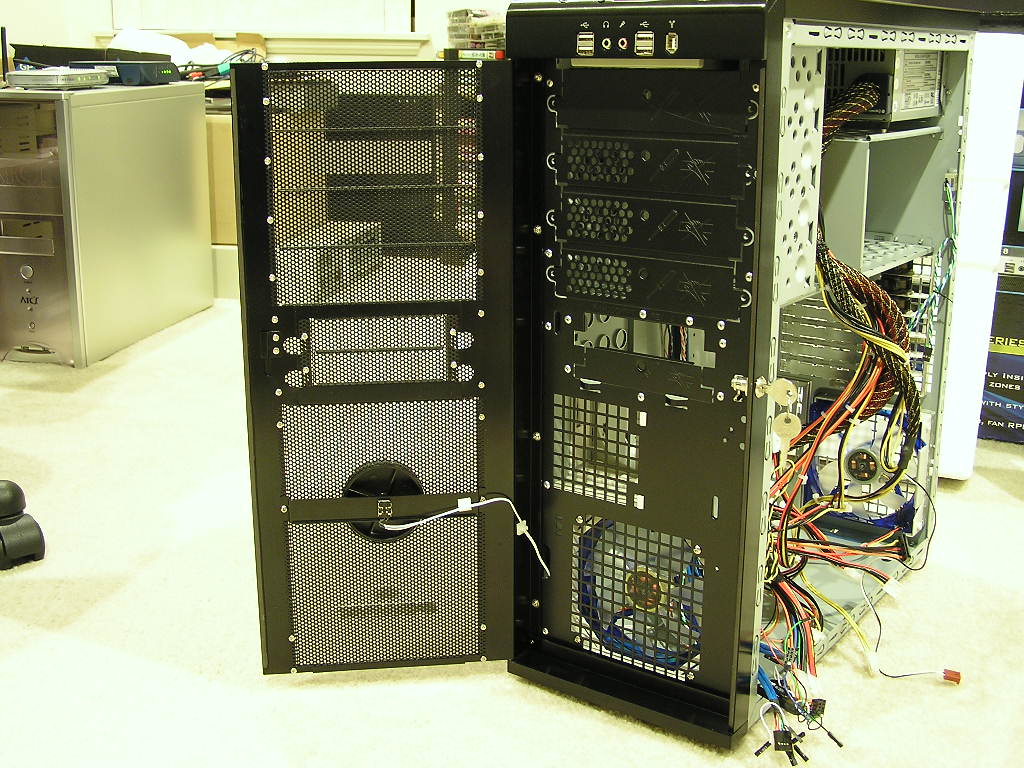
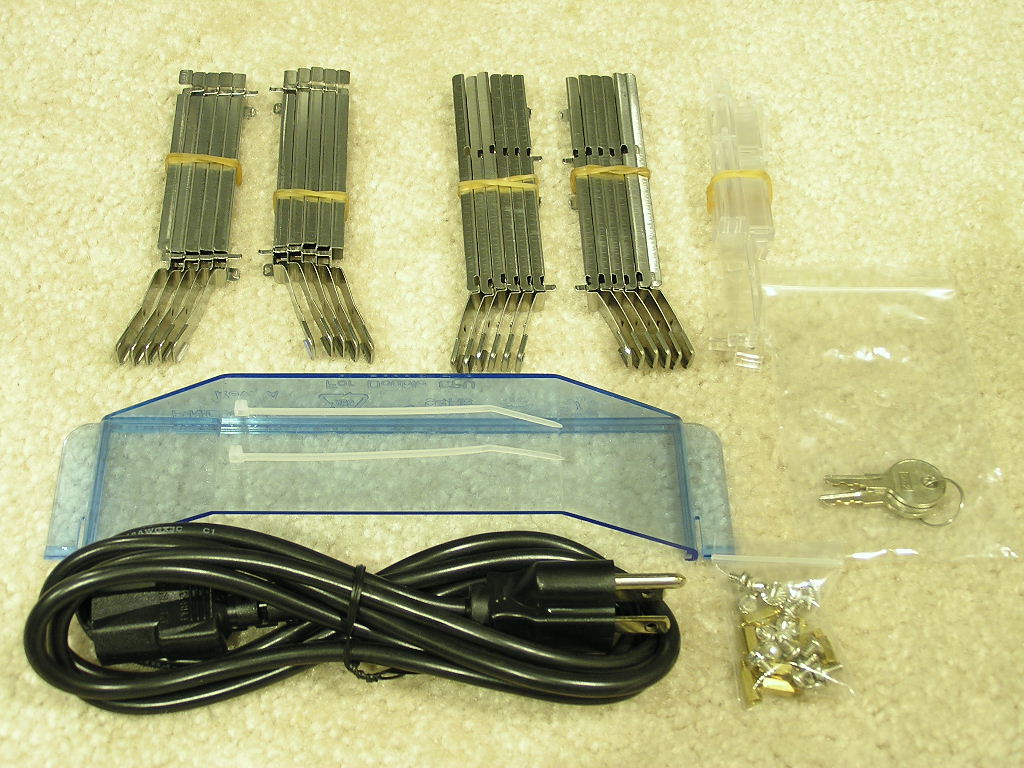
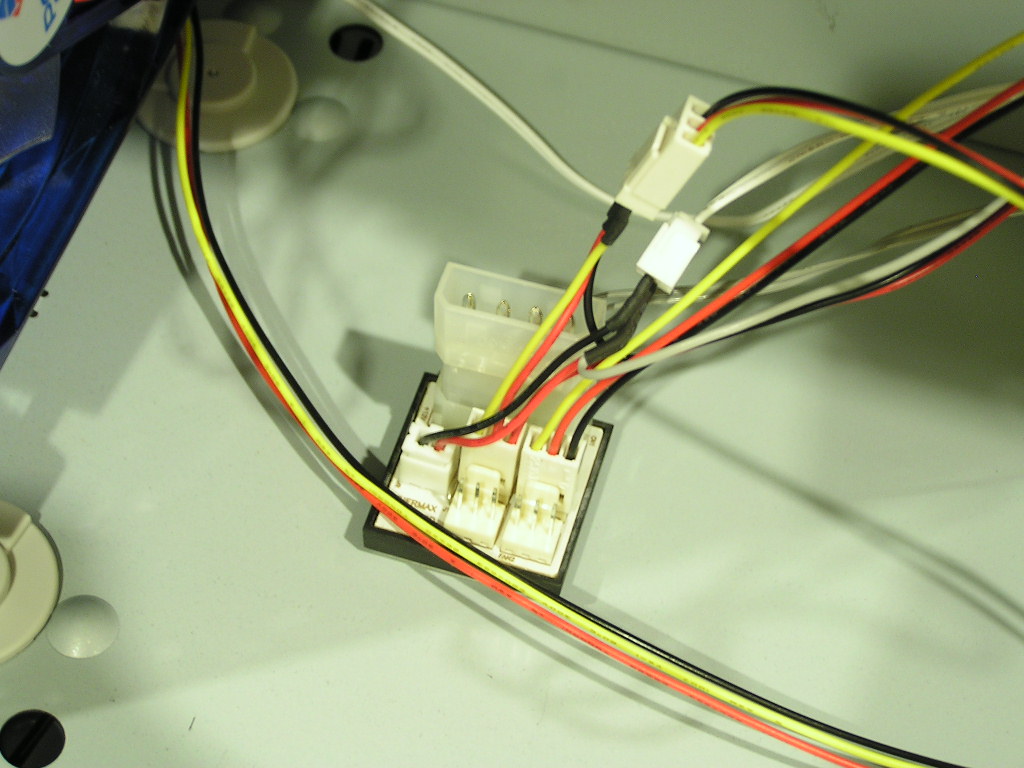
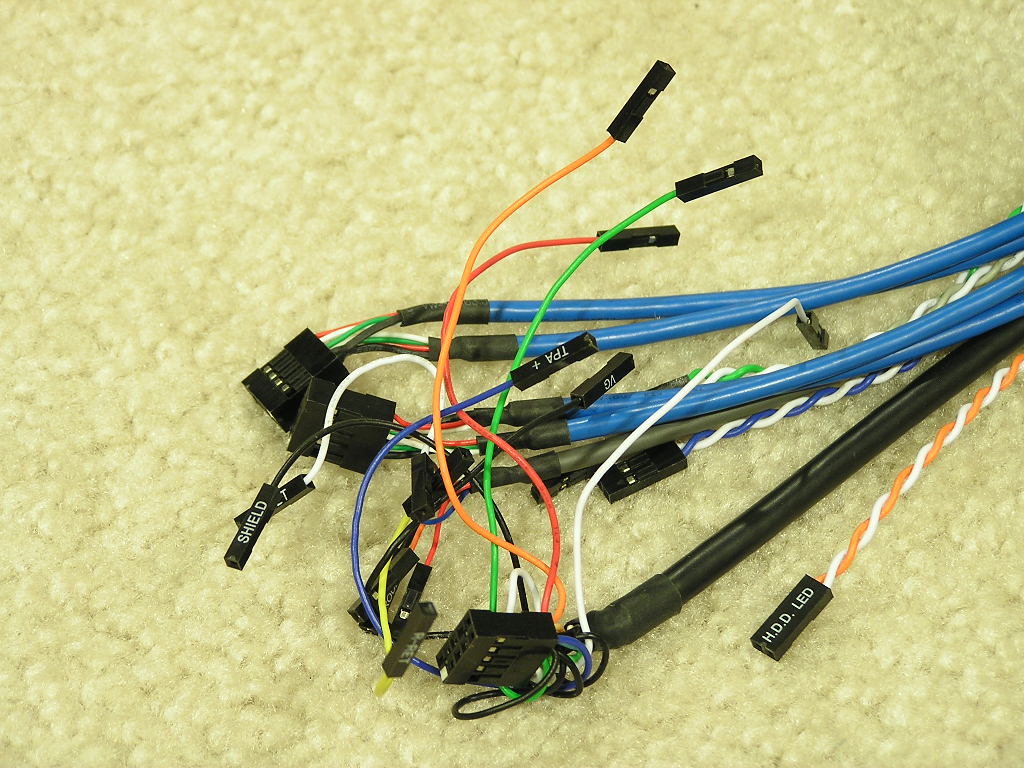
Now that we move to the inside of the case, we see the patented wind tunnel. The tunnel comes in a blue tint instead of the clear plastic that the SilverStone used. The small cardboard box includes the accessories needed for all the hard drives, optical drives, and floppy drives. Also included are the little things, like 2 zip ties, a small bag of screws, and a small plastic cover to convert the wind tunnel to cool dual CPU systems. At the bottom front of the case is a small PCB that allows four fan headers to be plugged. That is the fan controller hardware for the aluminum speed dial. The small PCB does need one 4pin Molex connector for power though. That’s also where the blue LCD display receives it’s power. The MaxFlow comes with front accessible ports that sit below the LCD display. There are 4 USB ports, one firewire, line out, and microphone jack. The connectors inside have long cables and are nicely wrapped to reduce cable mess.
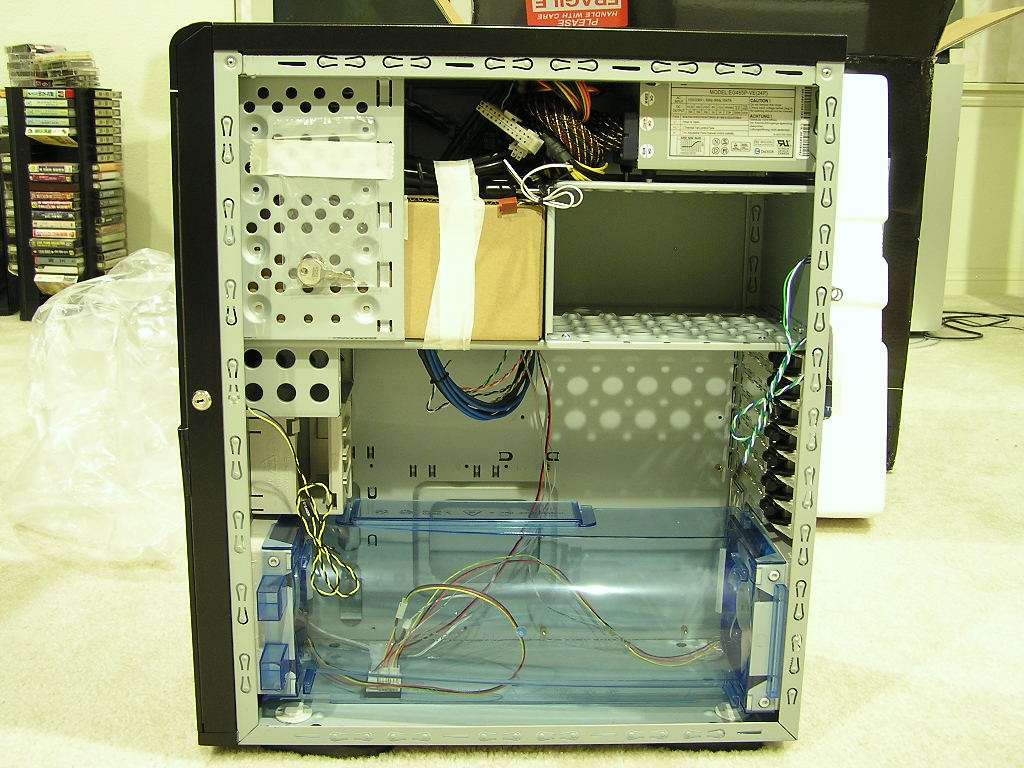
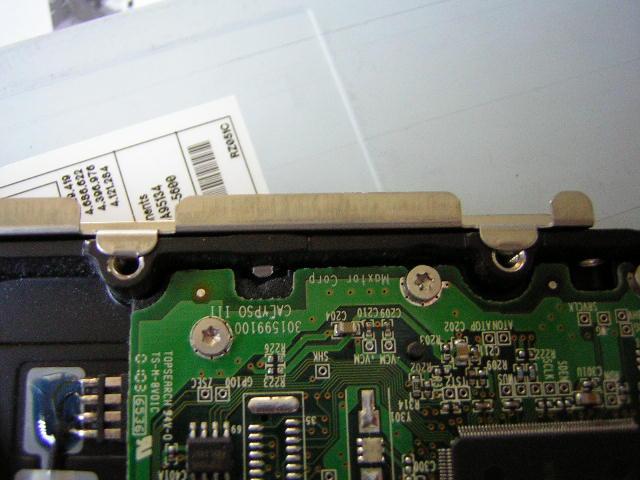
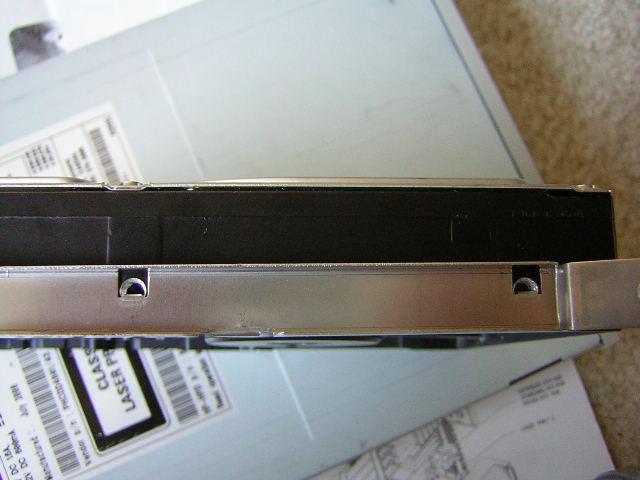
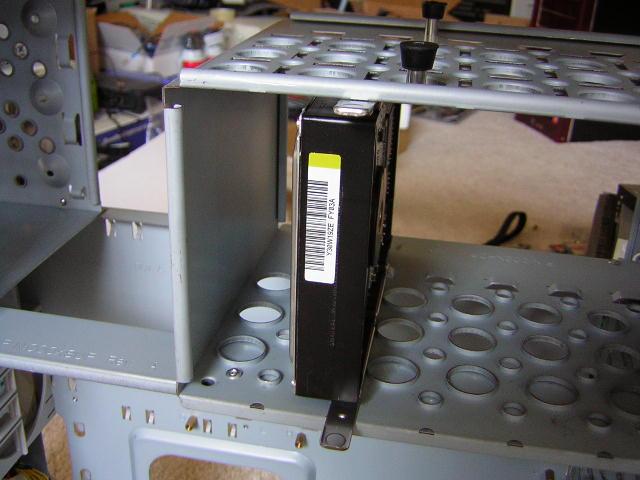
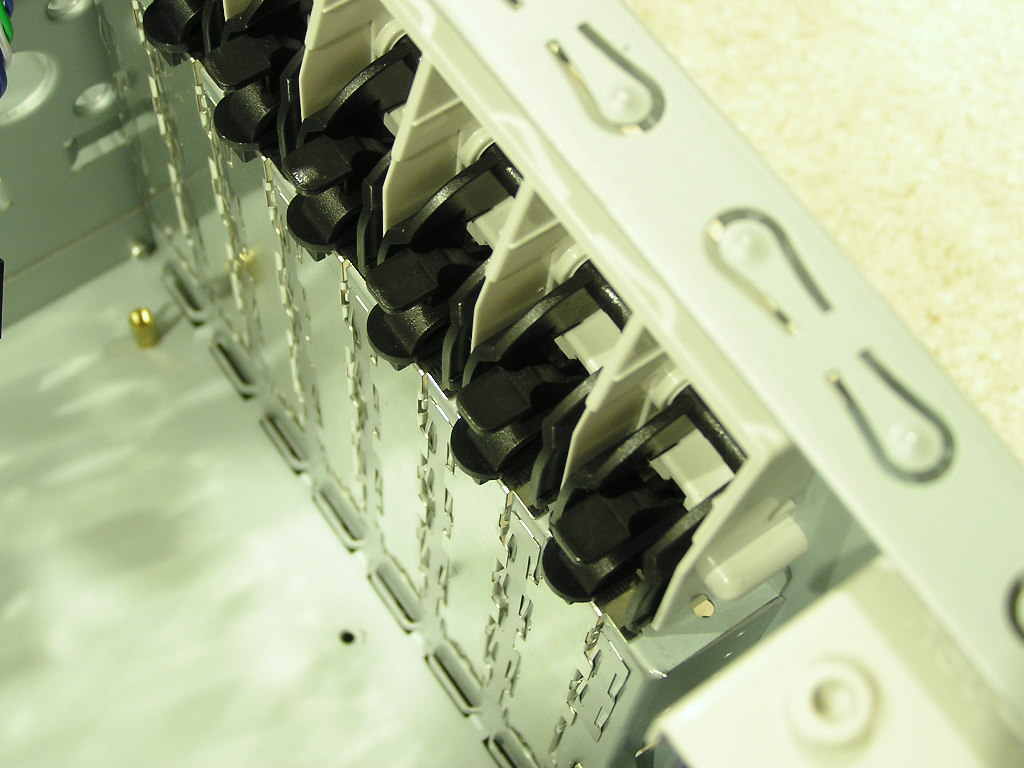
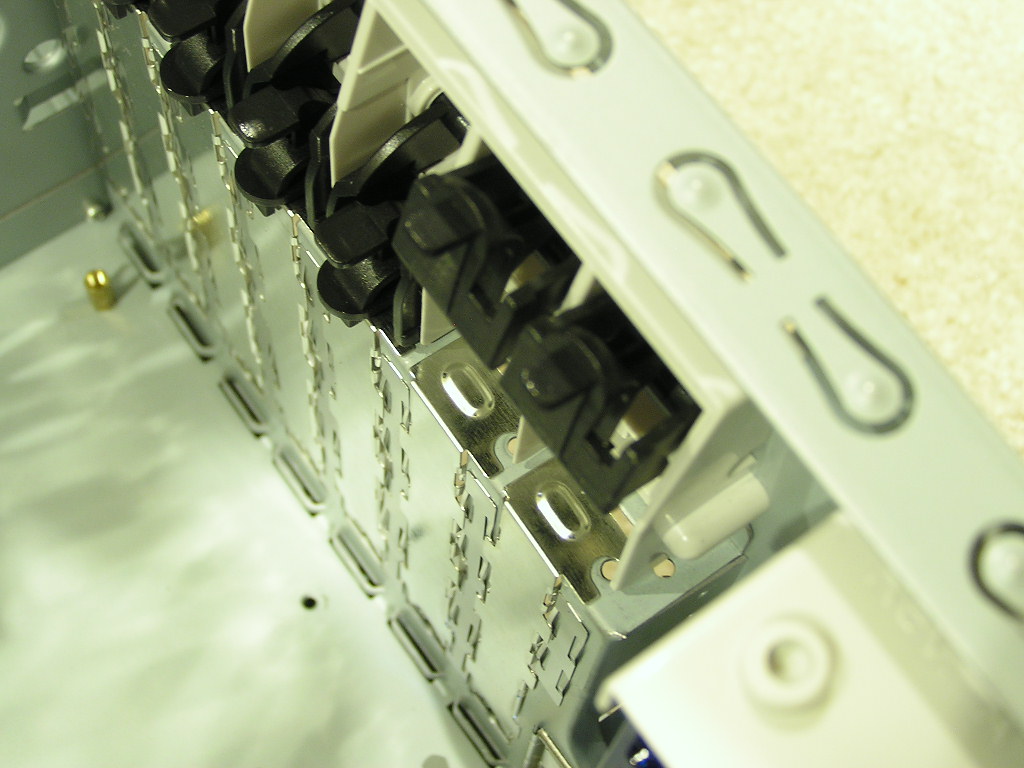
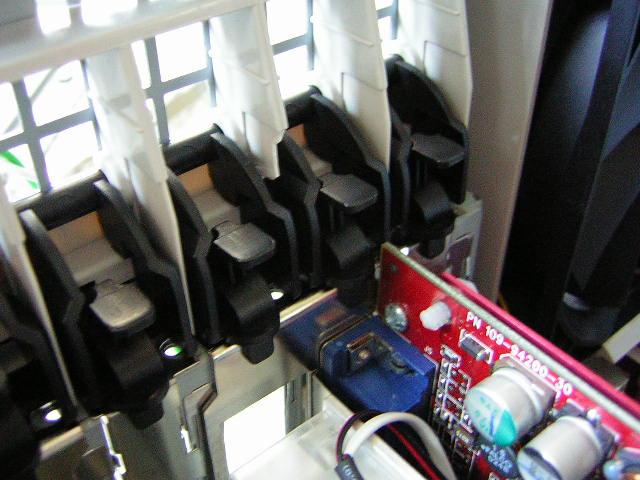
The design also makes good use of tool-free installation. The optical drives, hard drives, and floppy drives all use tool-free clips that hook on with just a snap. It’s really easy to install and put together. All the PCI slots use locking tabs that make installing PCI cards and graphic cards easy and hassle free.
Features and Specifications
| ||||||||||||||||||||||||||||||||||||||
- Enermax Power Supply (EG465P-VE FMA) Inside Support PCI-Express (6pins) Video Card
- Three heat dissipation zones with wind tunnel
- Meshed front panel with stylish aluminum frame
- LCD display with alarm, fan RPM
- Tool-free drive bay rails for easy assembly
- Aluminum dial to control up to 4 fans
- Dual 120mm blue LED fan
- Front I/O interface on the top for easy access
- Security key lock
Included Power Supply
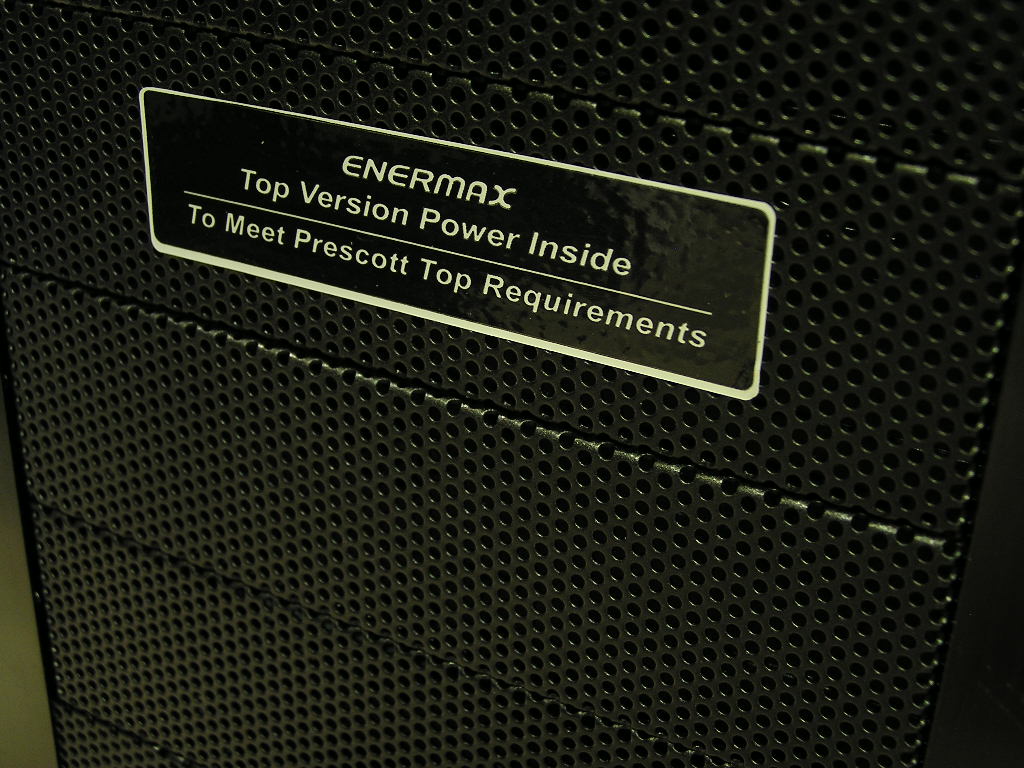
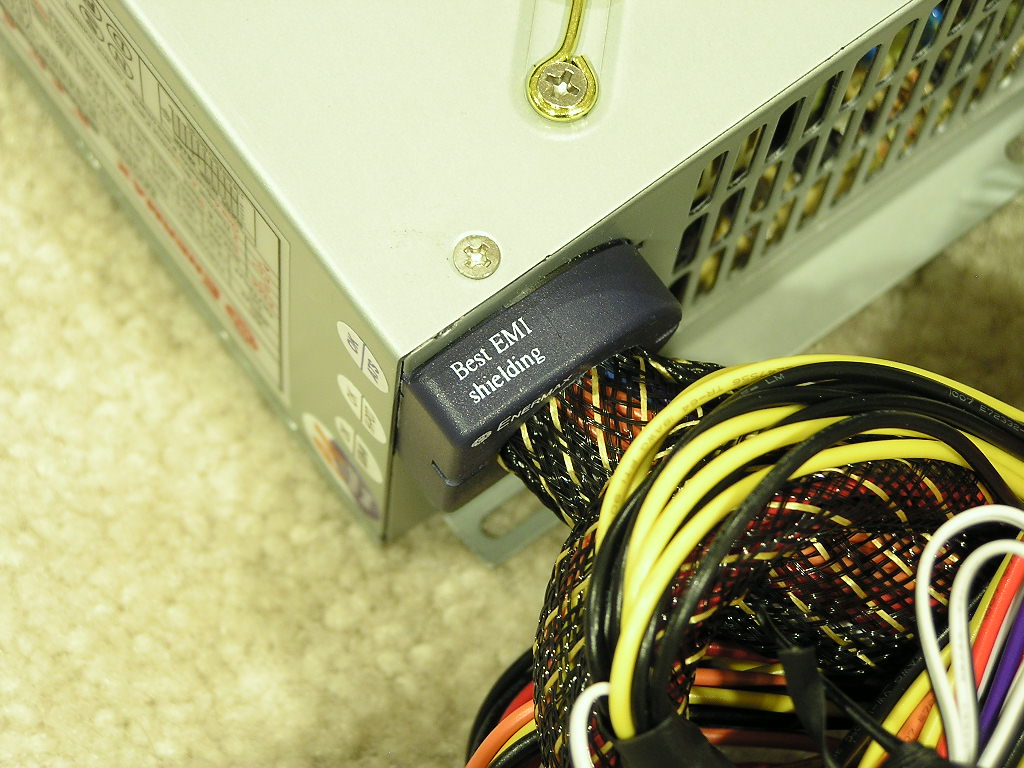
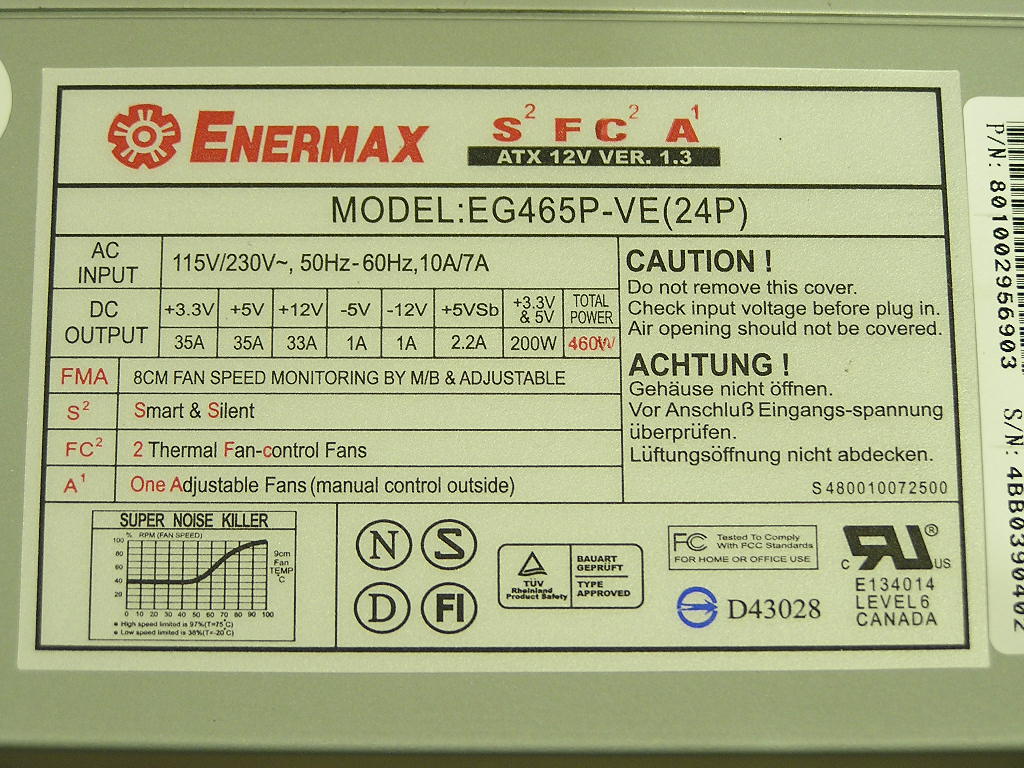
Normally, the power supplies that come bundled with cases are of low quality. Those power supplies do not belong in a high end system. Since Enermax created the MaxFlow, they bundle the case with their own power supply. The power supply provides 460W of pure power. It comes with many signature features that can only be found in Enermax power supplies. The most notable is the Ring Core Technology that reduces EMI from leaking from the power supply. The power supply comes with a single 12v rail, which is not bad considering that there is an ample 33A supplied to the rail. True that having dual rails does help with overall stability, it’s not a necessity. The fans in the power supply are thermally controlled or you can adjust it yourself with the knob in the back. The fans ran at minimal noise when under load and are great for silent systems. The 460W comes with a 75% minimum efficiency, which is a little higher than typical good power supplies these days.
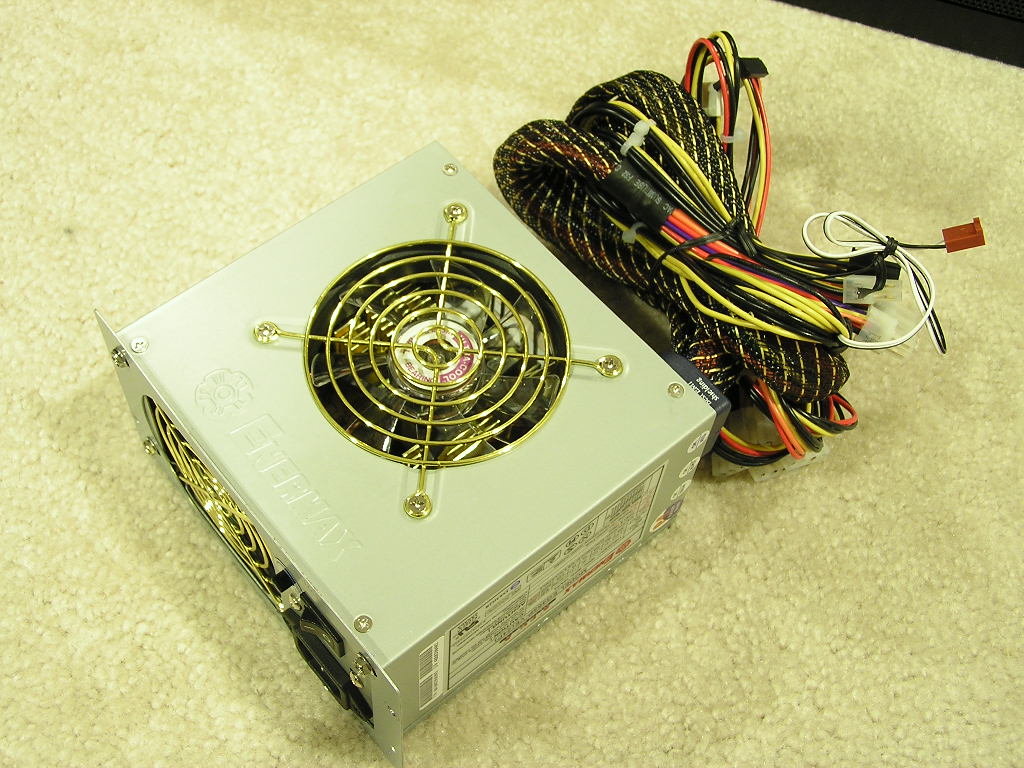
The 460W comes with an ATX connector that suits both 24pin and 20pin motherboards. Instead of using an adapter, the power supply comes with a slide lock design that reduces unwanted cables. It’s also much easier to work with, not to mention the fact that it looks a lot better when installed. The 460W comes with 7 4pin Molex connectors, 2 3pin connectors, 2 SATA connectors, a 4pin 12v connector for dedicated CPU power, a 6pin connector for PCI-E graphic cards, and a fan header for RPM monitoring. The inclusion of the 6pin connector was quite surprising. The power supply is certainly ready for the future.
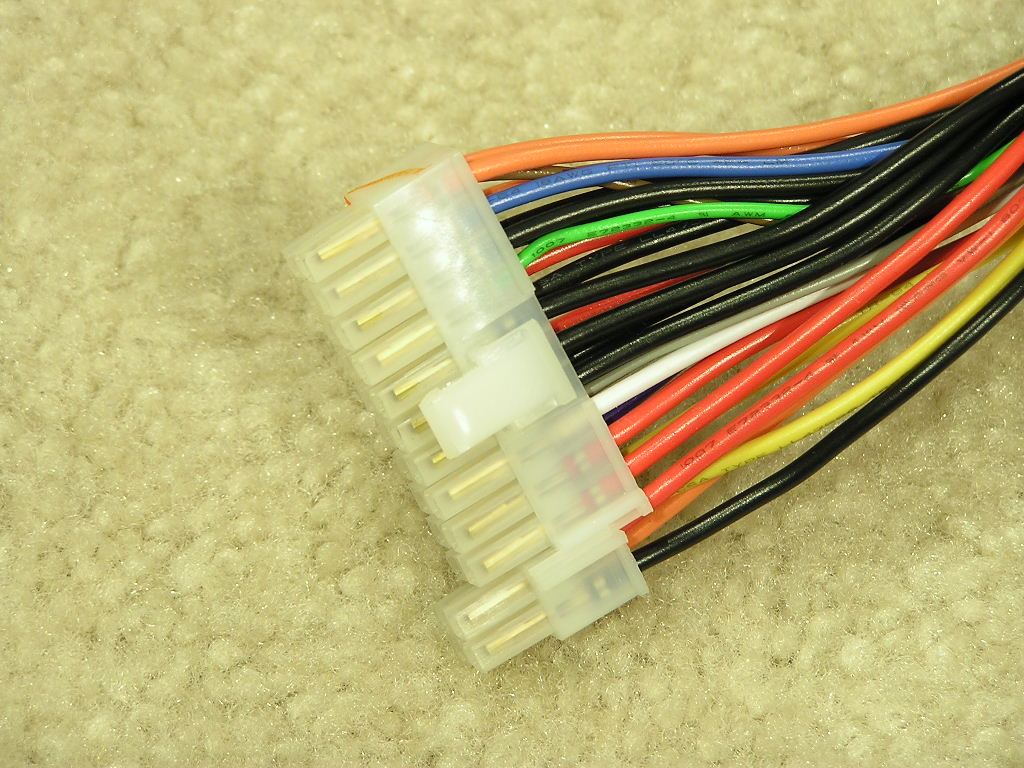
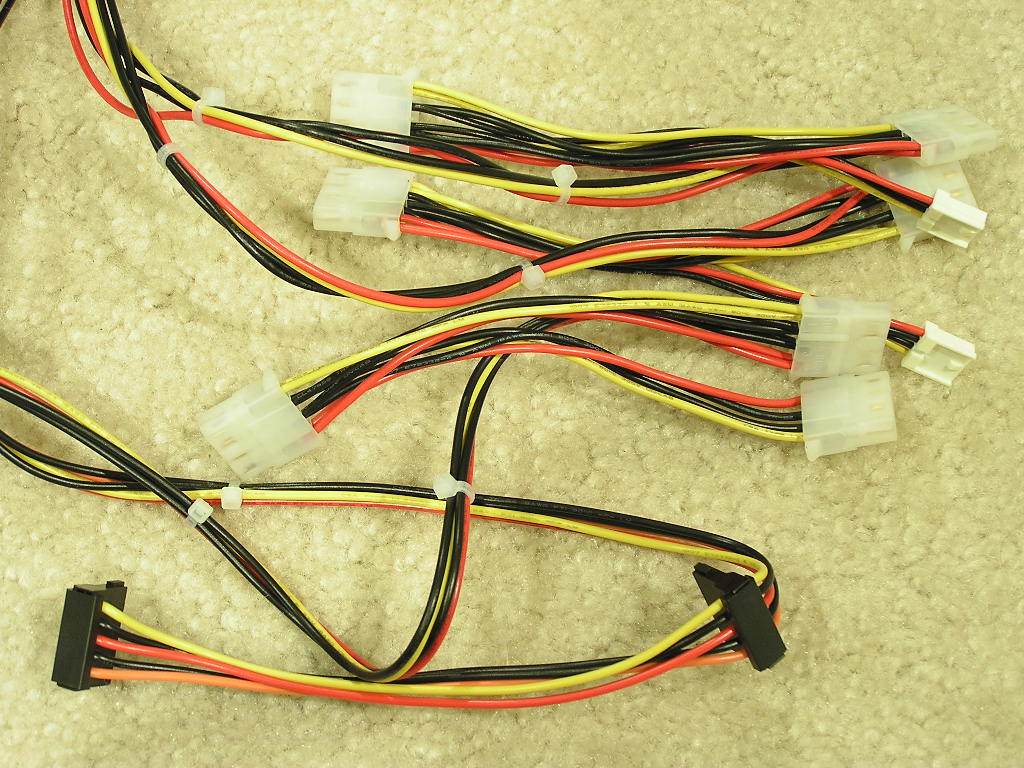
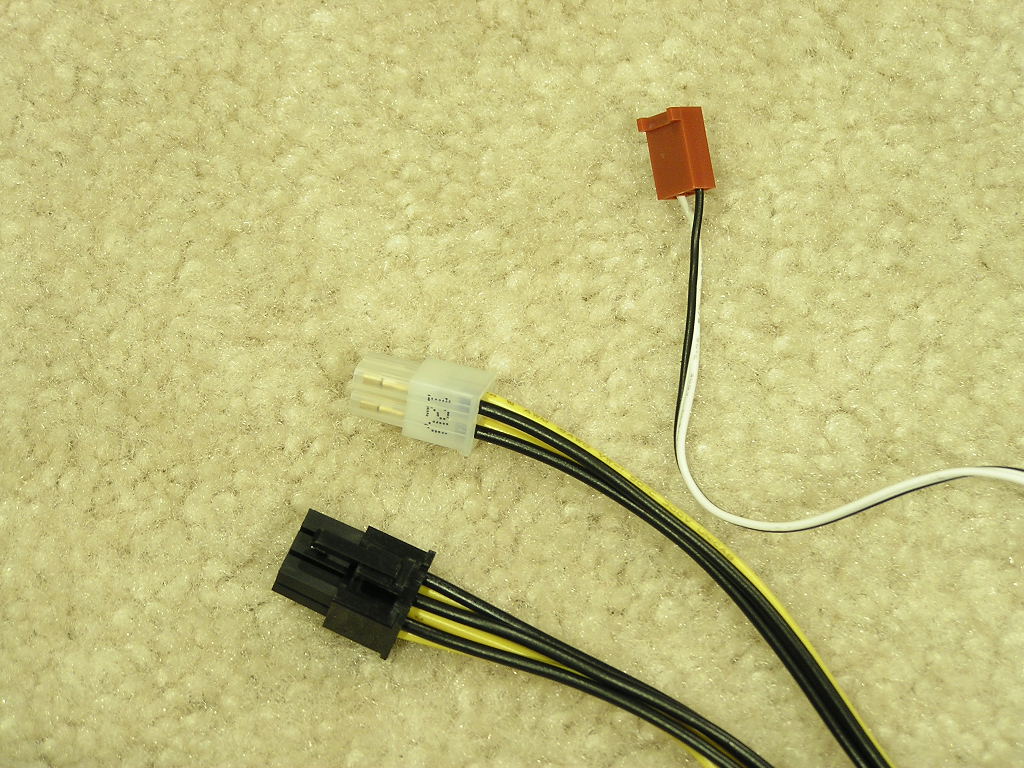
The power supply had very long cables that stretched all the way to the bottom of the case. There were no problems whatsoever for proper installation.
Cooling and Voltage Results
Normally I don’t really believe in the cooling performance of a case. All cases will perform well if there are intake and exhaust fans for proper airflow. Since the MaxFlow comes with the patented wind tunnel to help increase CPU cooling performance, I decided to show some results compared to the SilverStone TJ06 and a typical mid-tower case with one intake and one exhaust. A thermal probe was placed next to the CPU to measure CPU temps, and a probe is left hanging inside the middle of the case for case temperatures. Room ambient temperature was kept consistent at 23°C. Arctic Silver Ceramique was used for the CPU. The systems ran extremely quiet throughout the entire testing process. Testing was done without high end equipment simply because I do not have them. It is just considered a rough estimate of the cooling performance you would get as you would test it yourself at home. There is no scientific testing here.
Test System:
- Intel Pentium 4 2.4C (12 x 280FSB = 3.36GHZ @ 1.7v)
- Asus P4C800-E Deluxe
- 2 x 512MB Buffalo Firestix PC3500
- ATI Radeon 9500NP
- NEC DVD-RW
- Sony DVD-Rom
- Sony Floppy
- 2 x 80GB Hitachi SATA RAID 0
- 1 x 60GB Maxtor
- Swiftech MCX478-V w/ NMB 80mm fan
Test Procedures for System Cooling:
- Idling at desktop for 30 minutes
- Full load with CPU Burn-in and 3DMark2001SE looped for 60 minutes
Test Procedures for Voltage Readings:
- Idling at desktop for 30 minutes
- Full load with CPU Burn-in, 3DMark2001SE Nature test, and Prime95 torture test for maximum power
Running Stock:
- Intel Pentium 4 2.4C – 2.4GHZ @ 1.525v
- Buffalo Firestix PC3500 – 200FSB 1:1 200MHZ @ 2.6v
- ATI Radeon 9500NP – 275/270
- VAGP 1.5v
Running Overclocked:
- Intel Pentium 4 2.4C – 3.36GHZ @ 1.7v
- Buffalo Firestix PC3500 – 280FSB 5:4 224MHZ @ 2.8v
- ATI Radeon 9500NP – 300/300
- VAGP 1.8v
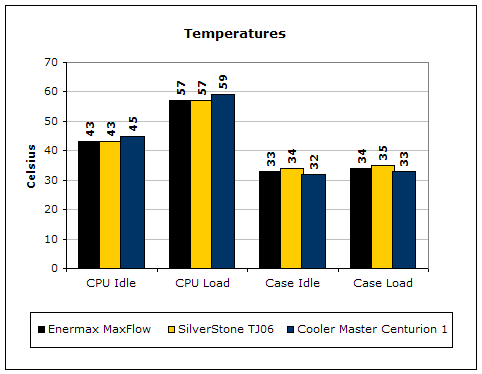
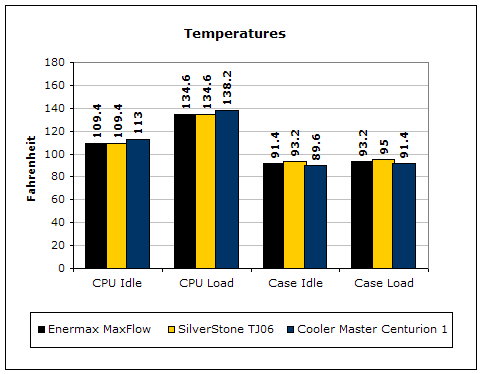
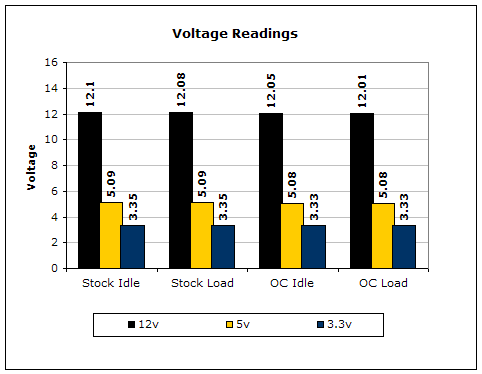
As you can see, the wind tunnel really does help with the overall CPU cooling performance. The Cooler Master Centurion 1 provided better cooling for the case internal temps, only because there was decent airflow. The MaxFlow and TJ06 didn’t have a specific exhaust fan and relied too heavily on the power supply, hence the higher internal system temps. The MaxFlow did cool just a little better because cool air was able to flow in through the entire front panel due to the meshed aluminum design. The voltage results were great and as expected. The power supply supplied stable rails under an overclocked environment and maintained steady throughout. One thing to note is that the 460W comes with a -5v rail which is great for those who have the OCZ Booster and motherboard diagnostic LEDs.
Conclusion and Thoughts
When we took a look at the SilverStone TJ06, we were left with a very pleasant feeling. There were a couple of quirks that needed fixing and Enermax fixed one of them. The meshed front panel is a great help for overall system cooling, but there still isn’t a dedicated system exhaust fan. The MaxFlow is a case I’ve come to truly love. Their front panel design is nice and stylish. The adjustable dial and small LCD display are great additions to give the case that extra oomph. There’s no need to buy a separate fan controller or a temperature readout. It’s all built in with the case. The front accessible ports are located near the top for easy access when you’re at your chair and the case is sitting on the floor. The included blue LED fans provide great looks and matches perfectly with the blue LCD display. Although many enthusiasts might be turned off by the “high” price tag, it shouldn’t be a turn off. Why? That’s because the power supply included is of high quality. It provides a great 460W of power and comes with future ready connectors, including the slide lock 24pin ATX connector and the 6pin PCI-E graphic card connector. This included power supply might be even better than what the majority of you actually use! There just isn’t much wrong with the MaxFlow. It’s a great case. Actually, it’s considered a perfect case. There is plenty of room to work with. Installation is fast and easy with the tool-free design. Usually the looks of the case is an opinion of the user, and because opinions vary from person to person, there is no proper way to judge a case by its looks. The MaxFlow, however, looks superb. It’s classy, stylish, and very attractive. I’m actually pretty positive that many of you will agree with me. There is no doubt that this case is a Must-Have.
Pros:
- Beautiful full tower
- Excellent paint job
- Aluminum meshed front panel to help with airflow
- Tool-free installation
- Silent
- Wind tunnel technology helps lower CPU temps
- Plenty of space to work with
- Adjustable dial to control fan RPMs
- Included 120mm fans have blue LEDs
- Small LCD display to show temperature and fan RPM
- Included 460W power supply is high quality
- Power supply is future ready with 24pin ATX connector and 6pin PCI-E connector
- Price is reasonable considering the included power supply
Cons:
- No dedicated system exhaust causes system temps to rise
- No 80mm fan included
- Very heavy
- No filters at front panel allows dust to get inside
- Front panel lock can get tedious when swapping out drives or when you lose your key

We would like to thank Enermax for providing us the sample. If you have any questions or comments, feel free to hit us up in the forums. You can also check out more of our latest reviews on the front page.